How to browse by color
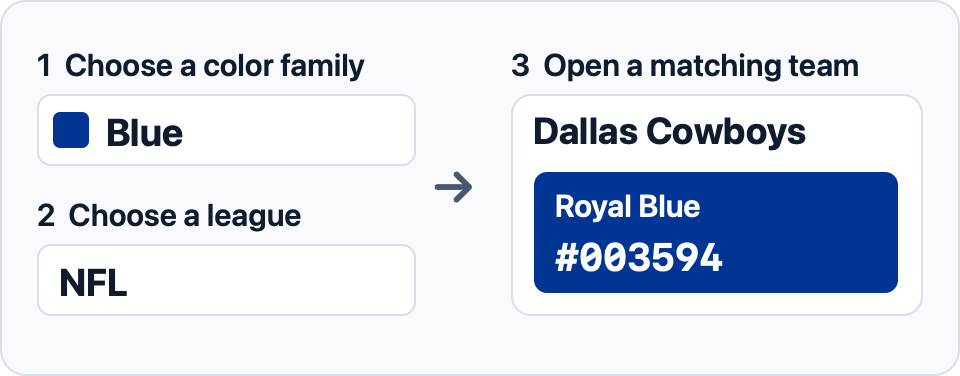
Choose a color family to see teams with a matching swatch. Use the league filter to focus on a competition, or choose All leagues to look across sports. When a family is selected, the cards show the matching swatches. Open a team’s color guide for its full palette and source notes.
Select a swatch to copy its HEX code. To see full palettes side by side, mark two to four teams and select Compare selected. If you’re matching a reference photo, use the image color picker to get the HEX value of a specific pixel.
Use a copied code in your design tool or as a HEX color in CSS.