Image Color Picker
Use the image color picker to sample a pixel from a picture on your device and copy its HEX, RGB, or HSL value.
Your image
Or drop a PNG, JPG, WebP, GIF, or BMP up to 20 MB here. Your image stays on your device.
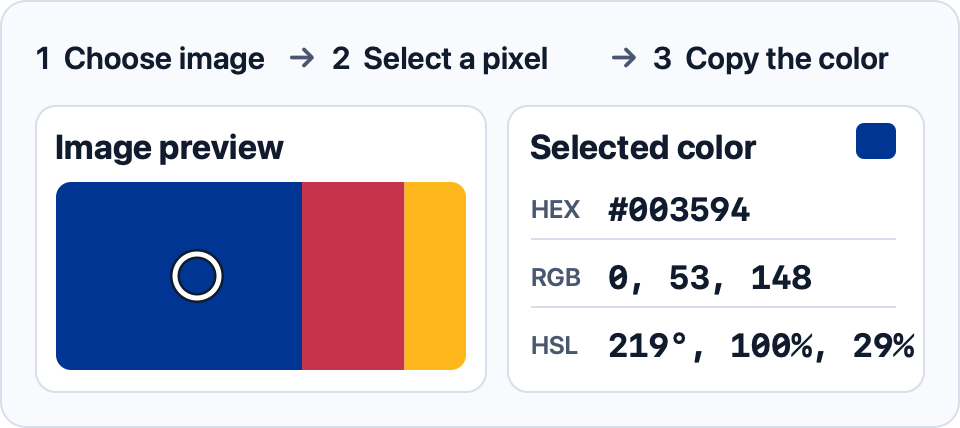
Click or tap the image to sample a color. With the image focused, use the arrow keys to move the marker. Hold Shift to move 10 pixels.
Selected color
Choose an image to start.
How to use the image color picker
Open a photo, screenshot, or graphic and select a point on the preview. For a flat color, sample well inside the shape. A shadow, an edge blended into the backdrop, or compression in a JPEG can produce a different value from the flat area next to it.
Copy HEX for a stylesheet, or use RGB or HSL when your design software asks for those channels. To extract several representative colors, try the palette generator from an image.
Use a sampled value as a HEX color in CSS.