Color Wheel
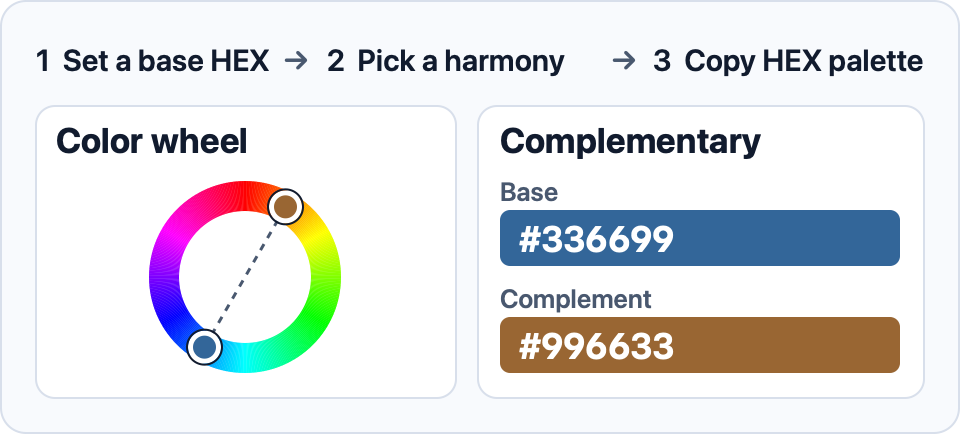
Use the color wheel to pick a base color, preview different color harmonies, and copy a palette for your design.
Base color
Enter a 3- or 6-digit HEX code.
- RGB
- HSL
Color palette
How to use the color wheel
Choose a hue on the wheel, then adjust saturation and lightness. If you already have a color in mind, enter its HEX code to start from that exact value. Try analogous colors for neighboring hues, complementary colors for an opposing accent, or monochromatic colors for lighter and darker versions of one hue.
Copy a single HEX swatch or the full HEX palette when you find a combination that works. Use the RGB or HSL copy buttons when you need the base color in one of those formats.
Starting with a photo? Use the image color picker to find a base HEX code.
Use HSL in CSS when you want to adjust hue, saturation, and lightness directly in your stylesheet.