Custom Jersey / Kit Designer
Use the kit designer to choose jersey colors and a pattern, add player details, and download both sides as a transparent PNG.
This browser does not support the jersey designer.
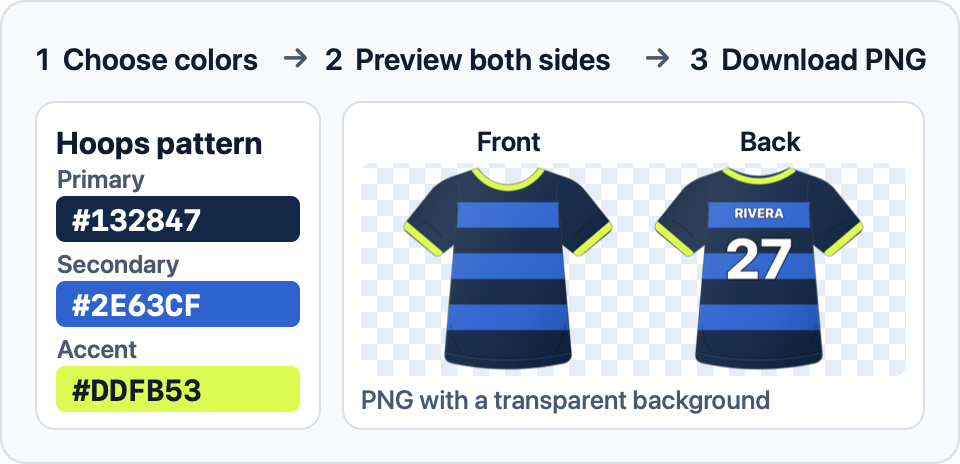
Jersey preview
Front and back · transparent background
Customize your jersey
Enter a 3- or 6-digit HEX code.
Enter a 3- or 6-digit HEX code.
Enter a 3- or 6-digit HEX code.
The name and number appear on the back.
How to use the kit designer
Start with a jersey pattern and choose a primary, secondary, and accent color. Adjust the swatches or enter HEX values directly. If you want to start with an existing team’s colors, copy values from the sports team palette generator and paste them into the jersey fields.
Add an optional name and number, then check the back preview to see how they sit on the pattern. Download PNG saves the front and back in one image with a transparent background, ready to place in a mockup or presentation.
When placing your jersey on a poster, PNG transparency lets the poster background show around the kit.