Sports Team Palette Generator
Use the sports team palette generator to start with colors from a team guide, adapt the swatches, and copy the HEX codes or CSS variables.
Loading team palettes…
Find a team
Your palette
Select a team to load its colors.
How to use the sports team palette generator
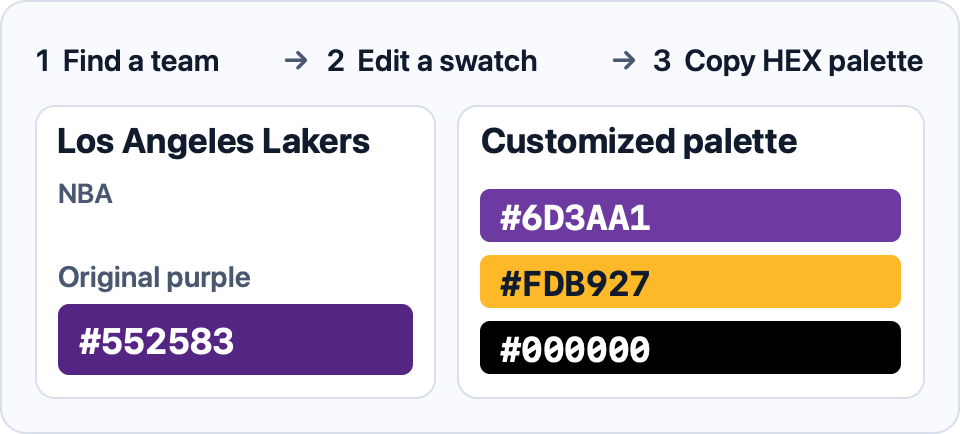
Search for a team by name or nickname and use the league filter if several teams have similar names. Select a result to load its palette. Open View color guide to check where the starting colors came from.
Edit a swatch or enter its HEX value. Use Make primary to change which color leads the palette, or Reset colors to restore the guide values. Copy individual HEX codes into a design app, or copy CSS variables to reuse your edited colors across a website.
Use the copied CSS custom properties to apply the same colors across a website.